
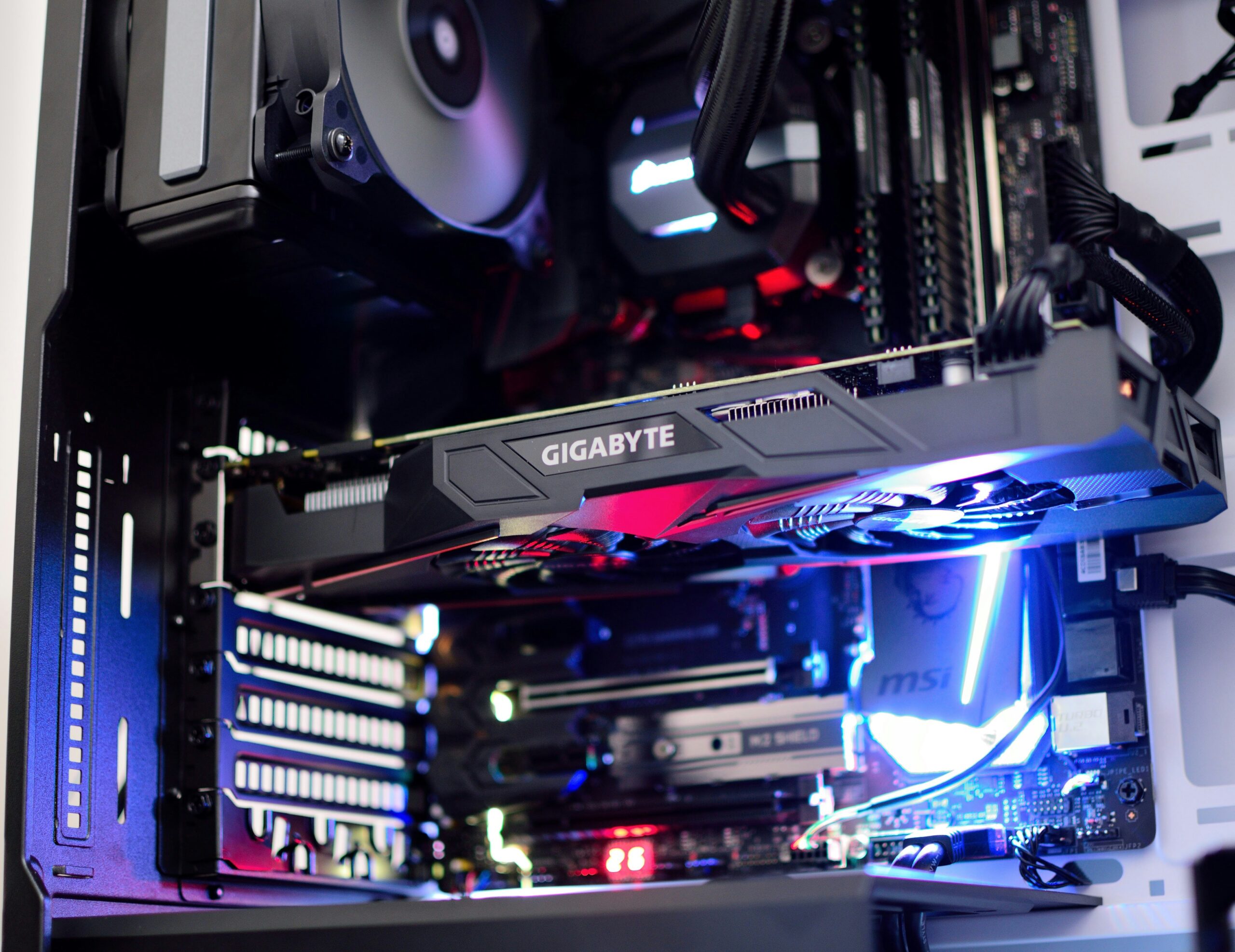
Random shutdowns, no power, or a burning smell? Learn the warning signs of a failing power supply and how Emerald Computers handles power supply replacement in Peoria, AZ.
Categories:
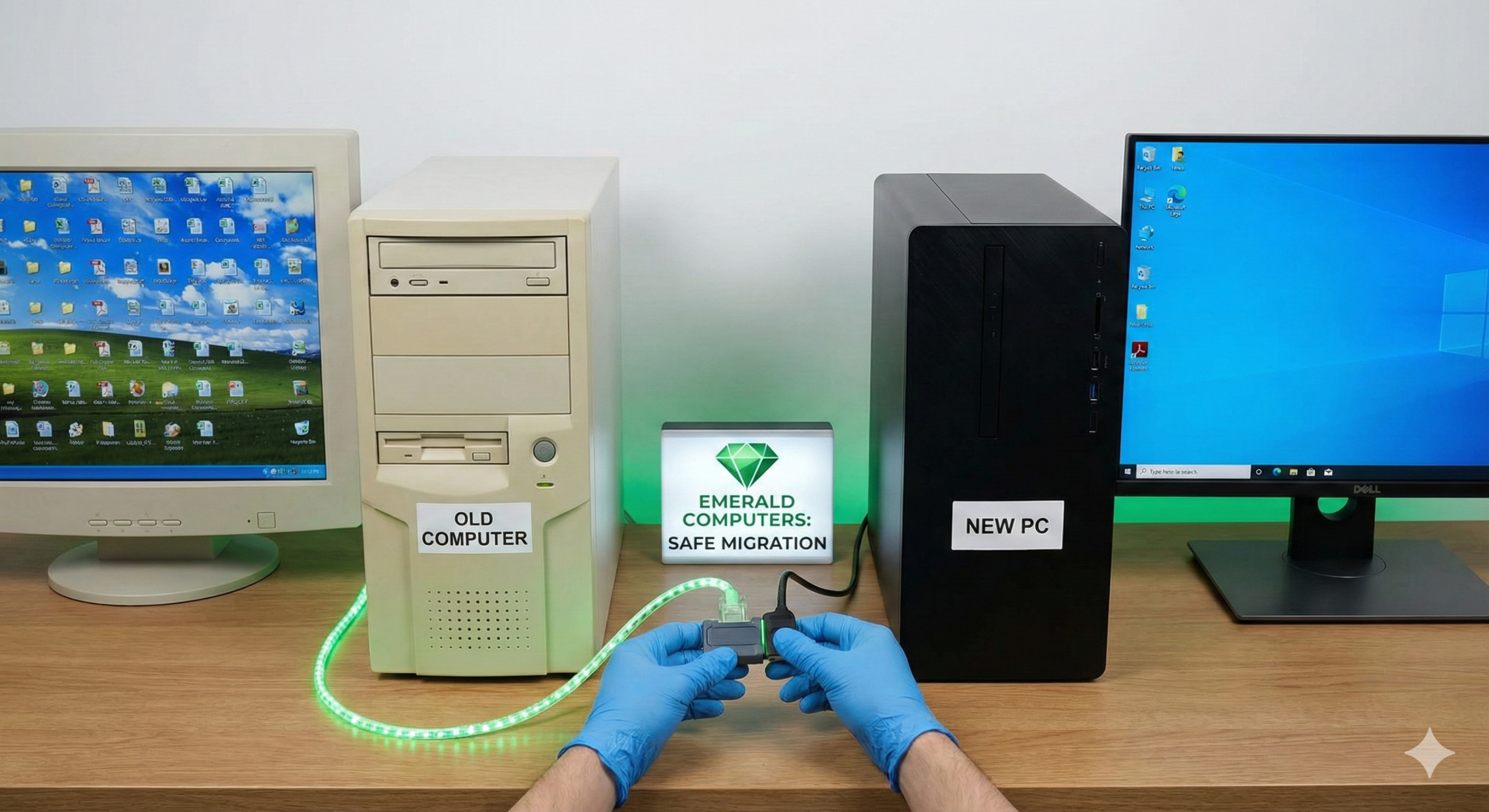
What actually transfers to a new computer, what doesn't, and common pitfalls like encrypted files and two-factor auth resets. Data transfer help in Peoria, AZ.
Categories:
Gaming PC crashing, overheating, or showing no display? Learn the most common gaming PC problems, how to diagnose them, and how Emerald Computers can help.

Categories:
Just installed a new graphics card or RAM and now your PC won’t power on? Here are the most common causes, a DIY checklist, and when to bring it in to Emerald Computers in Peoria, AZ.

New computer setup covers more than unboxing it: bloatware removal, updates, accounts, security software and data transfer. See how Emerald Computers sets up new PCs in Peoria, AZ.

Categories:
Windows won't load past the logo screen? Learn the common causes of a boot failure, what not to do yourself, and how Emerald Computers diagnoses it in Peoria, AZ.
Categories:
See exactly how much faster an SSD is than a hard drive, current SSD upgrade pricing at Emerald Computers, and when an SSD swap makes more sense than buying a new computer.
Categories:
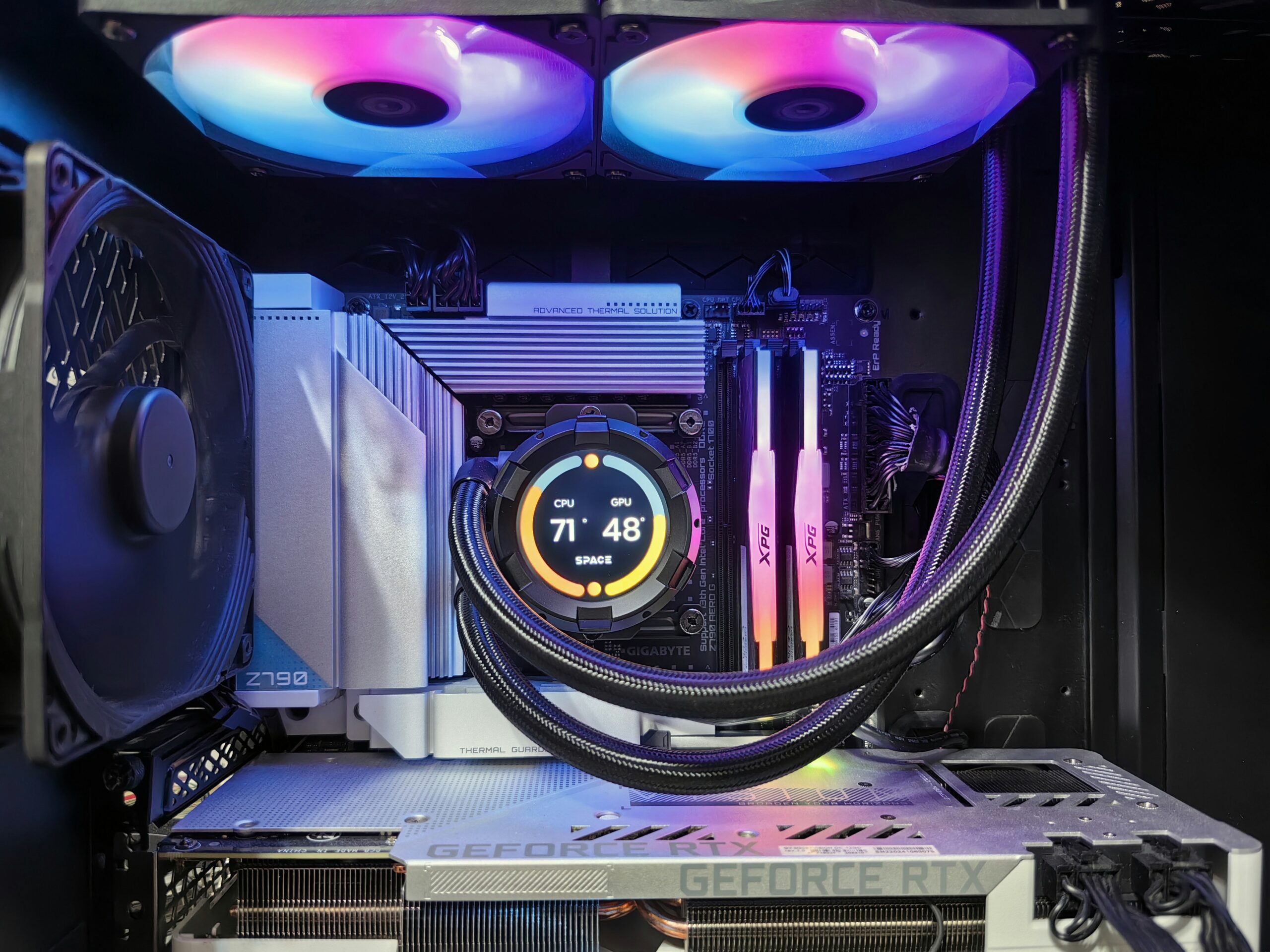
Pop-ups, browser hijacking, extreme slowness or a ransomware message? Learn the warning signs of infection and how Emerald Computers removes viruses and malware in Peoria, AZ.
Categories:
Not sure whether to fix or replace a slow computer? Here are the most common causes of slowness, a simple fix-vs-replace framework, and how Emerald Computers diagnoses PCs in Peoria, AZ.
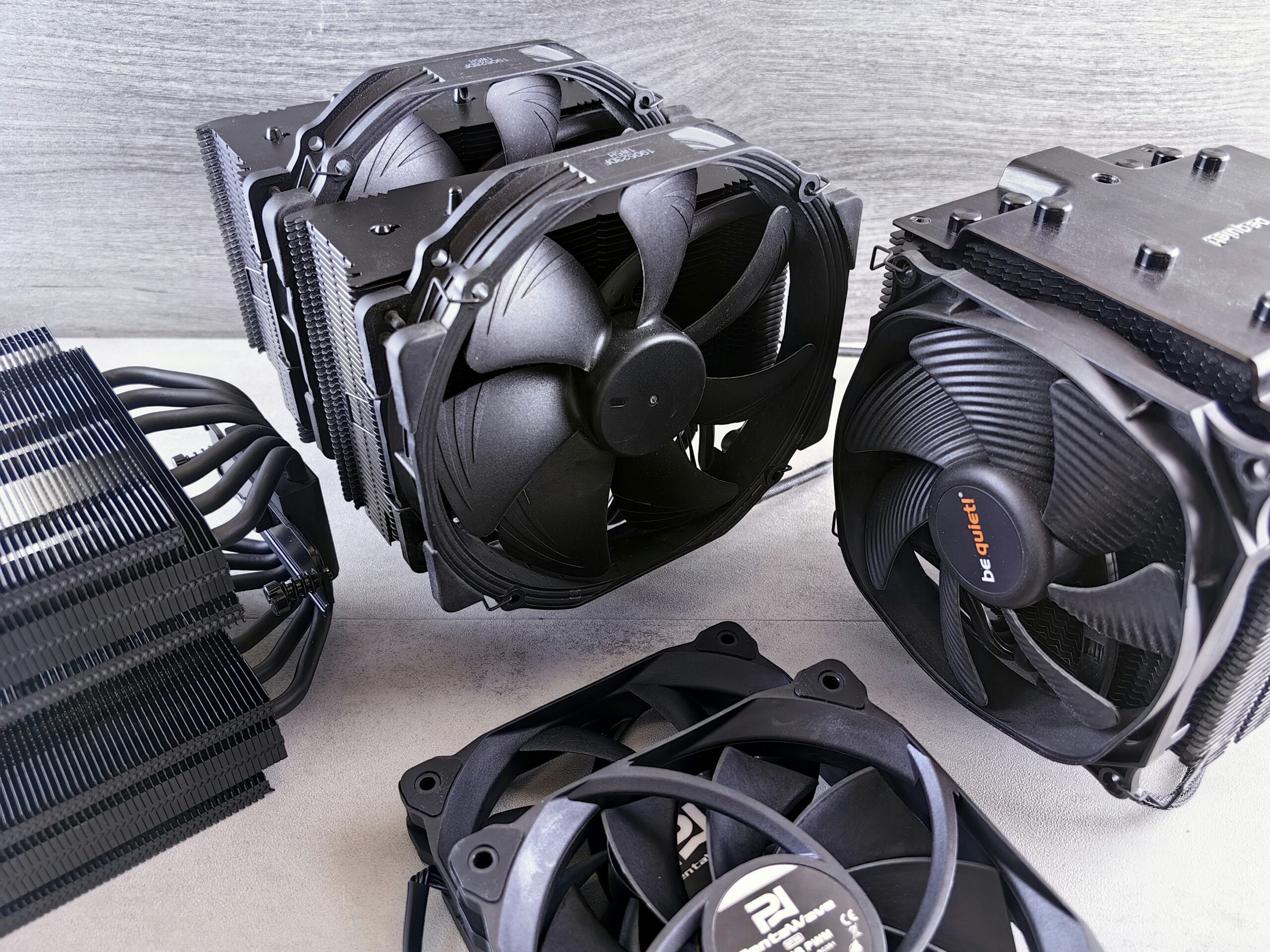
Arizona's extreme summer heat and dust make computer overheating a common problem in Peoria and Sun City. Learn the warning signs, causes, and how Emerald Computers fixes it.