
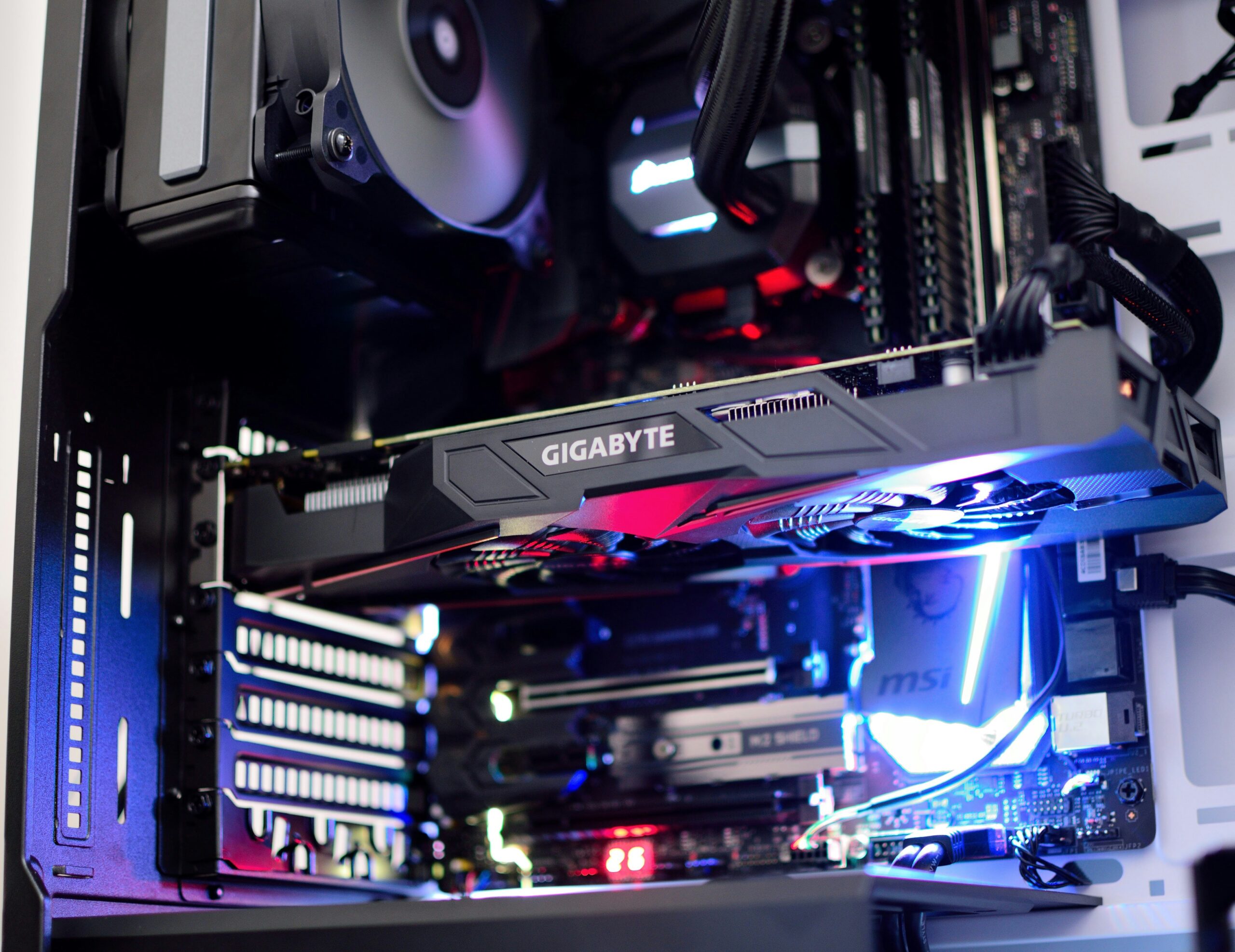
The power supply unit (PSU) is one of the least glamorous parts of a computer and one of the most important. It converts wall power into the clean, stable voltages every other component depends on, and when it starts to fail, the symptoms can look like almost anything else — random crashes, a computer that won’t boot, or components that seem to be dying one at a time. If you recently read our post on a PC that won’t turn on after an upgrade, the power supply is exactly the kind of component that can be the real culprit behind that problem, especially after adding a more demanding graphics card.
Common Signs of a Failing Power Supply
- Random shutdowns or restarts, especially under load — gaming, video rendering, or anything that pushes the CPU and GPU hard. A struggling power supply often can’t maintain stable voltage when demand spikes.
- No power at all. No lights, no fans, nothing when you press the power button, even though the outlet and cable are confirmed good.
- A burning smell from the case, which should be treated as an immediate reason to power down and unplug the computer — this can indicate a failed capacitor or component inside the PSU.
- Coil whine or buzzing coming from inside the case, particularly under load. Some coil whine is normal on certain hardware, but a new or worsening high-pitched noise from the power supply area is worth having checked.
- Failure that started right after a GPU upgrade. This is one of the most common patterns we see: a power supply that handled the previous graphics card fine simply doesn’t have the wattage or the right connectors for a more powerful one.
Why a Cheap Power Supply Is a False Economy
It’s tempting to treat a power supply as an easy place to save money when building or upgrading a computer — it doesn’t affect frame rates or benchmark scores the way a CPU or GPU does. But a low-quality PSU is one of the few components that can take other, more expensive parts down with it when it fails. Unstable voltage delivery over time can shorten the life of a motherboard, drives, and even the graphics card itself, and in worse cases a sudden PSU failure can damage connected components outright. A quality power supply sized correctly for your components is cheap insurance for everything else in the case.
Arizona Heat and Power Supply Life Span
Power supplies contain capacitors and fans that are directly affected by heat, and higher ambient temperatures inside a case in the Peoria and Sun City area — especially during summer months, or in a room without good airflow — accelerate the wear on these components. A PSU that might have lasted 8–10 years in a cooler, cleaner environment can fail sooner here, particularly in cases with poor ventilation or heavy dust buildup blocking airflow.
Emerald Computers’ Power Supply Replacement Service
If you suspect your power supply is failing, we start with a diagnostic to confirm it’s actually the PSU and not another component causing similar symptoms — that diagnostic is $35, waived if you move forward with a paid repair. Once we’ve confirmed the issue, replacement is straightforward: we help you select a power supply sized correctly for your current and any future hardware plans, and installation is billed at our standard $195/hr labor rate. For customers who just need the unit swapped without a full diagnostic, a flat $35 bench fee applies to drop-off work outside a diagnosed repair.
If you’re planning a GPU upgrade and aren’t sure your current power supply can handle it, ask us before you buy the card. We can check your existing PSU’s wattage and connector types against the requirements of the graphics card upgrade you’re considering, which saves you from buying a card and discovering a compatibility problem afterward.
Frequently Asked Questions
How do I know if my power supply is failing?
Common signs include random shutdowns or restarts under load, the computer not powering on at all, a burning smell, or new coil whine and buzzing from inside the case. A failure that starts right after a GPU upgrade often points to insufficient wattage rather than a defective unit.
How much does power supply replacement cost in Peoria, AZ?
Diagnosis is $35, waived if you proceed with a paid repair. Installation labor is billed at our standard $195/hr rate, and the power supply unit itself is priced separately based on the wattage and quality your components require.
Can a bad power supply damage other parts of my computer?
Yes. Unstable voltage from a failing power supply can gradually shorten the life of a motherboard, storage drives, and graphics card, and in some cases a sudden failure can damage connected components directly. This is why we recommend addressing PSU issues promptly rather than continuing to use a computer with a failing unit.
Do I need a bigger power supply after a graphics card upgrade?
Often, yes. A power supply that comfortably ran an older or less powerful graphics card may not have enough wattage or the right power connectors for a newer, more demanding card. We recommend checking PSU compatibility before buying a new GPU.
Emerald Computers Locations
Peoria: 7642 W Vogel Ave, Building 3, Peoria, AZ 85345 — 623-240-2424
Sun City: 10001 W Bell Road, Suite 126, Sun City, AZ 85351 — 623-223-7397
Comments are closed