
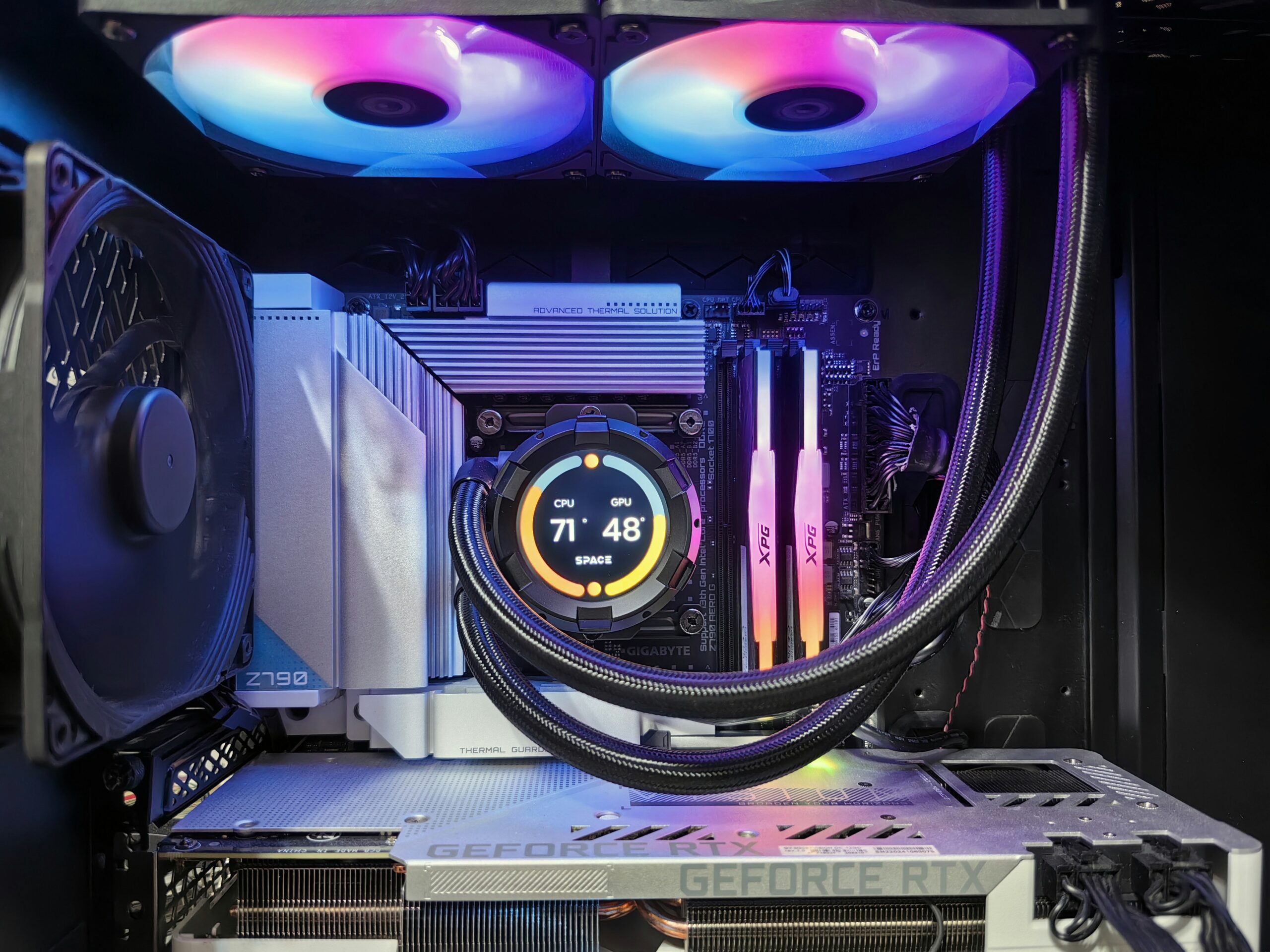
You found a good deal on a graphics card, a RAM kit, or an SSD online, it’s sitting in a box on your desk, and now you need someone to actually put it in. Maybe you’re not comfortable opening the case, maybe you don’t have the tools, or maybe you just don’t want to risk damaging a $400 part with a mistake on your first try. That’s a completely normal reason to bring a computer in, and it’s one of the most common jobs we do.
Individual Part Installations We Handle
Graphics Card (GPU)
Installing a GPU sounds simple until you’re staring at PCIe power connectors, a case that’s too tight for the card’s length, or a power supply you’re not sure can handle the new card’s draw. We check power supply wattage and connector compatibility before installing, seat the card properly, and confirm it’s recognized and running at full speed before handing the machine back. Full details on this specific service are on our graphics card upgrade page.
RAM
RAM installation is usually straightforward, but mismatched kits, wrong slot population for dual-channel performance, or memory that isn’t on the motherboard’s compatibility list can cause boot failures or a machine that runs at less than full speed without any obvious error. We verify compatibility, install in the correct slots for optimal performance, and confirm the system recognizes full capacity at the right speed. See our RAM upgrade page for more.
SSD / Storage
Installing an SSD is more than just physically mounting the drive. If you’re replacing your main drive, you likely want your existing operating system and files migrated over rather than starting from scratch, which means a clone rather than a fresh install. If it’s a second drive, it needs to be properly initialized and formatted. We handle both scenarios and make sure the drive is recognized at its full rated speed (an NVMe drive installed in the wrong slot can silently run at a fraction of its potential).
CPU Cooler
This is the installation with the least room for error done casually. Too little thermal paste, uneven mounting pressure, or a cooler that isn’t seated flush against the CPU can mean overheating that throttles performance or, in worse cases, damages the processor. We mount coolers with correct thermal paste application and verify temperatures under load before considering the job done.
How Customer-Supplied Parts Installation Works
You bring in the part (or parts) and your computer, and we install what you’ve purchased at our standard hourly labor rate of $195/hour, billed for actual time spent — most single-part installations (a GPU, a RAM kit, an SSD) take well under an hour. We’ll flag any compatibility concerns before we start (wrong RAM speed for your motherboard, insufficient power supply wattage for a new GPU, and similar issues) so you’re not paying for an installation that won’t actually work.
- Bring your computer and the part(s) in their original packaging if possible.
- We’ll do a quick compatibility check before opening the case.
- Installation is billed hourly at $195/hr for actual labor time.
- We test the new part under normal use before returning the machine to you.
When Full Assembly Makes More Sense Instead
If you bought a single part to upgrade an existing machine, individual installation is exactly the right service. But if you bought a complete parts list — case, motherboard, CPU, GPU, RAM, storage, power supply, and cooler — for a brand new build, that’s a different job with a lot more that can go wrong: cable management, BIOS configuration, thermal paste application across multiple components, a full OS install, and stress-testing before the machine ever gets used. That level of build is covered separately in our full PC assembly service, which is priced and scoped differently from a single-part installation.
If you’re also considering a case swap as part of an upgrade, our guide to swapping cases or parts covers what to know before you commit to that route.
Frequently Asked Questions
Do I need to buy parts from Emerald Computers to get them installed?
No. We install customer-supplied parts regardless of where you purchased them, billed at our standard hourly labor rate. Just bring in the part and your computer.
How much does it cost to install a single part?
Installation is billed at $195/hour for actual labor time. Most single-part jobs like a GPU or RAM installation take well under an hour. A diagnostic fee of $35 applies if diagnosis is needed beyond straightforward installation, and it’s waived if you have us perform the resulting service.
What if the part I bought isn’t compatible with my computer?
We check compatibility before starting any installation and will tell you upfront if there’s a mismatch — wrong RAM type, insufficient power supply wattage, or a physical fit issue — so you can decide how to proceed before paying for labor on a part that won’t work.
Can you install multiple parts in one visit?
Yes, we regularly install multiple components in a single visit, billed for total labor time. If you’re installing a full set of new parts for a ground-up build rather than upgrading an existing machine, ask about our full PC assembly service instead.
Visit Emerald Computers
Peoria: 7642 W Vogel Ave, Building 3, Peoria, AZ 85345 — 623-240-2424
Sun City: 10001 W Bell Road, Suite 126, Sun City, AZ 85351 — 623-223-7397
Comments are closed