
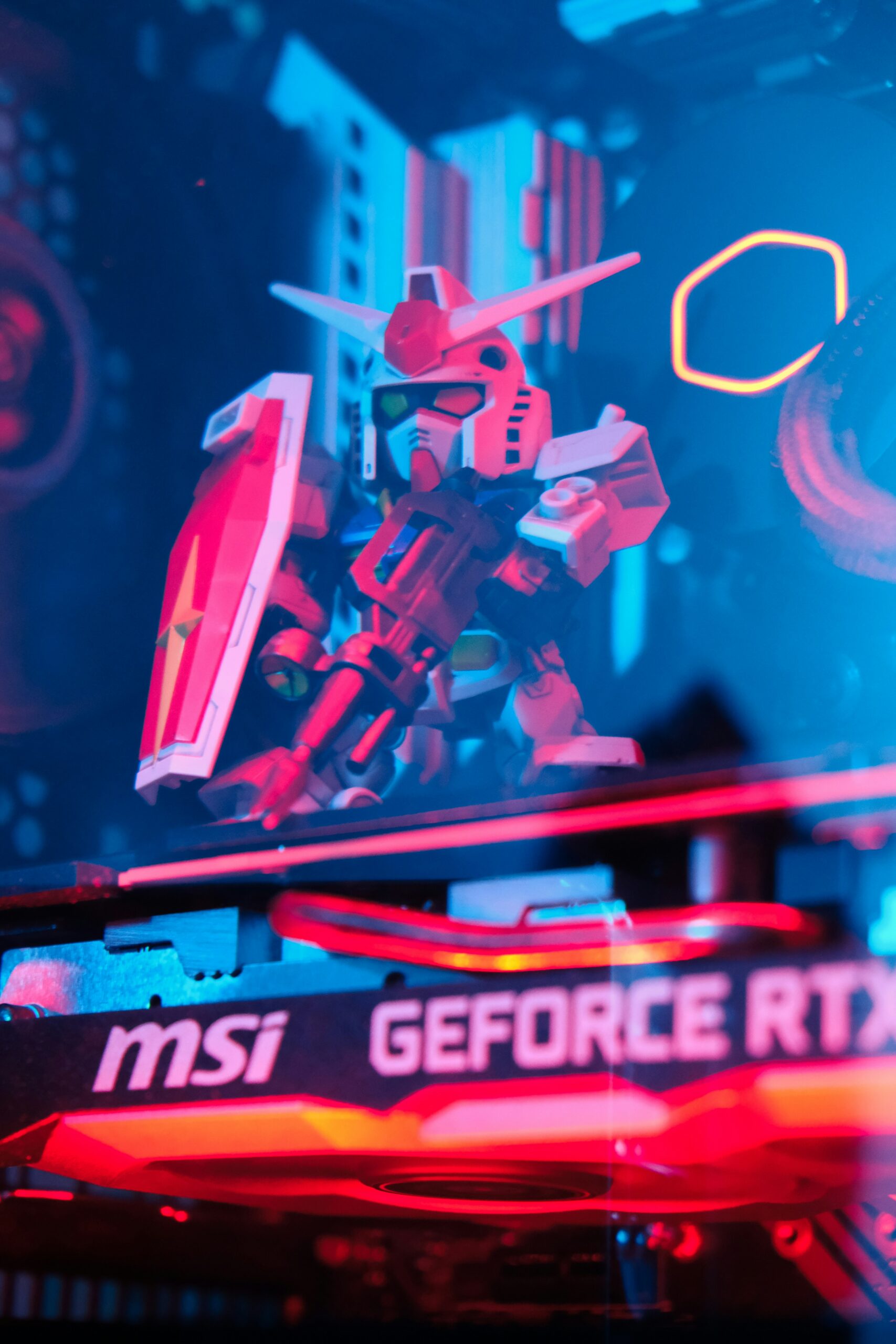
You did the research, picked out a case, motherboard, CPU, GPU, RAM, storage, power supply, and cooler, and the boxes have arrived. Now comes the part that trips up even experienced builders: actually assembling all of it into a machine that boots reliably, runs cool, and doesn’t have a loose connection waiting to cause problems six months from now. If you’d rather have that done right the first time than learn PC building through trial and error on your own hardware, that’s exactly what our assembly service is for.
What Full Assembly Service Includes
Assembling a gaming PC from a complete parts list is a different job from installing a single upgrade — every component has to be mounted, connected, and configured correctly together, and problems in one area (a poorly seated cooler, a cable blocking airflow, an unconfigured BIOS setting) can affect the whole system’s stability and performance. Our full assembly service covers:
- Component installation — motherboard, CPU, RAM, GPU, storage, and power supply mounted and connected correctly, including all power and data cabling.
- Thermal paste application — applied correctly to the CPU (and GPU if needed) for proper heat transfer, avoiding the too-much or too-little application that causes overheating.
- Cable management — cables routed and tied down for clean airflow rather than left loose, which affects both cooling performance and the finished look through a windowed case.
- BIOS setup — boot order configured, XMP/EXPO memory profiles enabled so your RAM actually runs at its rated speed instead of a slower default, and fan curves set for your case’s airflow.
- Operating system install — Windows (or your OS of choice) installed fresh and updated, with drivers installed for your specific motherboard and GPU.
- Stress-testing before handoff — the system is run under sustained load to confirm stability, check temperatures, and catch any problems before you ever touch it, rather than finding out three weeks later that something was marginal from day one.
Why Professional Assembly Reduces DOA and Compatibility Risk
Most PC building problems aren’t caused by defective parts — they’re caused by installation mistakes that look fine until the system is under load: a CPU cooler that isn’t making full contact, a GPU that isn’t fully seated in its slot, RAM installed in the wrong slots for dual-channel operation, or a power connector that’s in but not clicked. Any of these can produce a system that boots and seems to work, then crashes under gaming load, runs hotter than it should, or underperforms its specs in ways that are hard to diagnose after the fact without taking the whole build apart again.
Professional assembly with stress-testing before handoff catches these issues while the machine is still on our bench, not after you’ve already set it up at home, installed your games, and started relying on it. If something is going to fail under sustained load, we find that out before it’s your problem.
Already Have Just a Few Parts Instead of a Full List?
If you’re only adding one or two components to an existing machine rather than building from scratch — a new GPU, more RAM, a storage upgrade — that’s a smaller job with different pricing than full assembly. See our PC parts installation page for that scenario. Full assembly service applies specifically to complete builds from a ground-up parts list.
Prefer We Handle the Parts List Too?
If you haven’t bought parts yet and would rather have us spec a build to your budget and use case (gaming, streaming, both), that’s our custom build service rather than assembly-only — see our custom gaming PC guide for how that process works. And if you’re deciding between DDR4 and DDR5 for your build’s memory, our DDR4 vs. DDR5 breakdown covers whether the price difference is worth it in 2026.
Frequently Asked Questions
How much does full PC assembly cost?
Assembly is billed based on the complexity of the build and time required, at our standard labor rate. Call or bring your parts list in for an estimate before committing.
How long does assembly take?
A standard build with stress-testing typically takes a day or two, depending on shop workload and whether any compatibility issues come up during assembly. We’ll give you a realistic timeline when you drop off your parts.
What if one of my parts turns out to be defective?
Our stress-testing process is designed to catch this before handoff. If a part is defective, we’ll let you know so you can pursue a return or warranty claim with the retailer or manufacturer before the return window closes.
Do you install the operating system too?
Yes, a fresh OS install with updated drivers is part of our full assembly service. Let us know your OS preference when you drop off your parts.
Visit Emerald Computers
Peoria: 7642 W Vogel Ave, Building 3, Peoria, AZ 85345 — 623-240-2424
Sun City: 10001 W Bell Road, Suite 126, Sun City, AZ 85351 — 623-223-7397
Comments are closed