
Categories:
Windows 10 no longer receives security updates. Here's what that means for your computer and your options in Peoria, AZ.
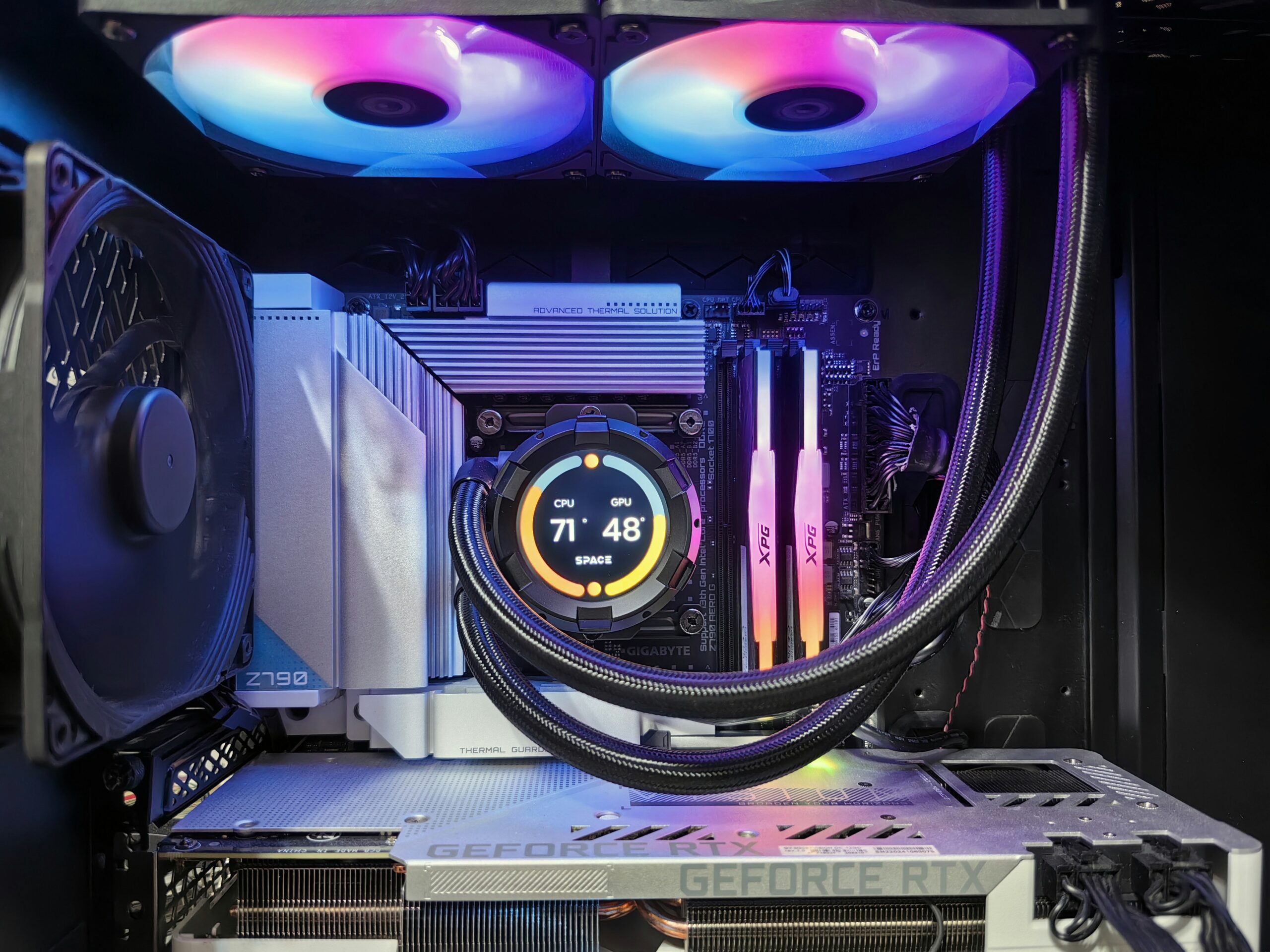
Bought a GPU, RAM, SSD or cooler online? Here's what installation involves and what it costs at Emerald Computers in Peoria, AZ.
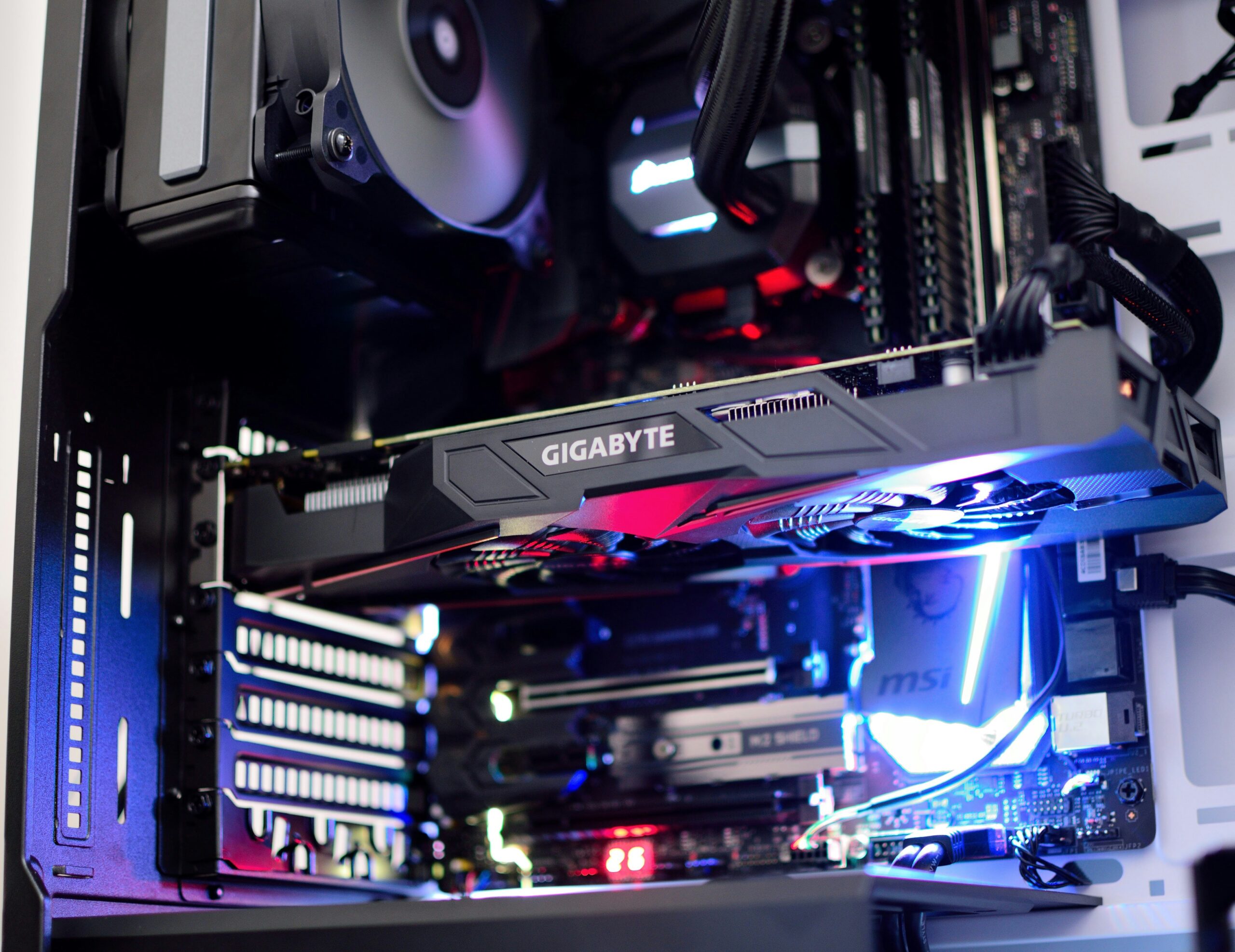
Random shutdowns, no power, or a burning smell? Learn the warning signs of a failing power supply and how Emerald Computers handles power supply replacement in Peoria, AZ.

Categories:
Just installed a new graphics card or RAM and now your PC won’t power on? Here are the most common causes, a DIY checklist, and when to bring it in to Emerald Computers in Peoria, AZ.
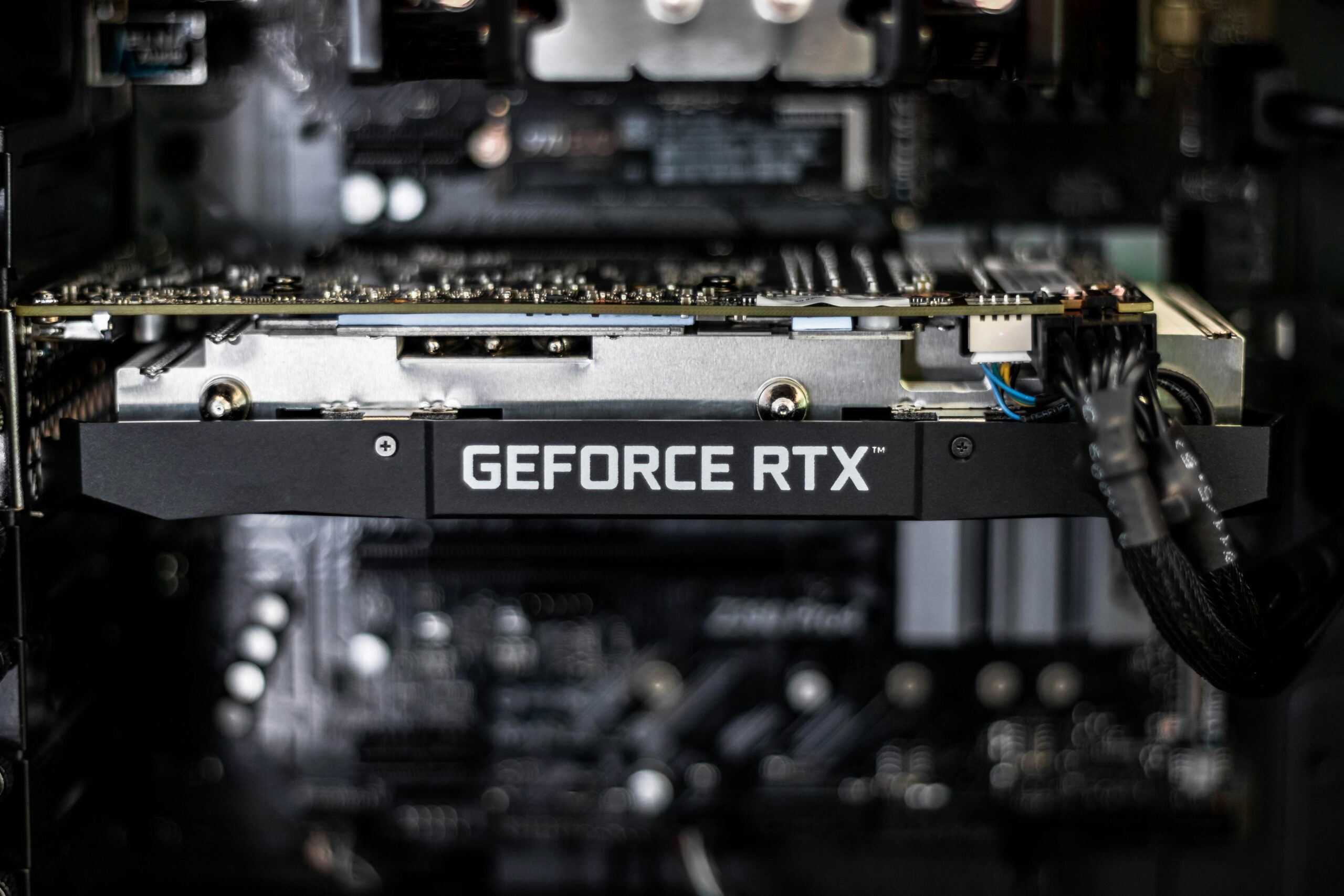
Thinking about a graphics card upgrade? Learn the signs your GPU is worth replacing, plus power supply, case, and CPU compatibility to check first.

Categories:
How much RAM do you actually need in 2026? See recommended memory by use case, DDR4 vs. DDR5 compatibility, and current RAM upgrade pricing at Emerald Computers in Peoria, AZ.
Categories:
See exactly how much faster an SSD is than a hard drive, current SSD upgrade pricing at Emerald Computers, and when an SSD swap makes more sense than buying a new computer.
Gaming PCs run hotter than typical computers, and Arizona's desert heat makes cooling even more important. Learn about airflow, CPU and GPU cooling, and when to upgrade.
Categories:
Not sure whether to fix or replace a slow computer? Here are the most common causes of slowness, a simple fix-vs-replace framework, and how Emerald Computers diagnoses PCs in Peoria, AZ.