
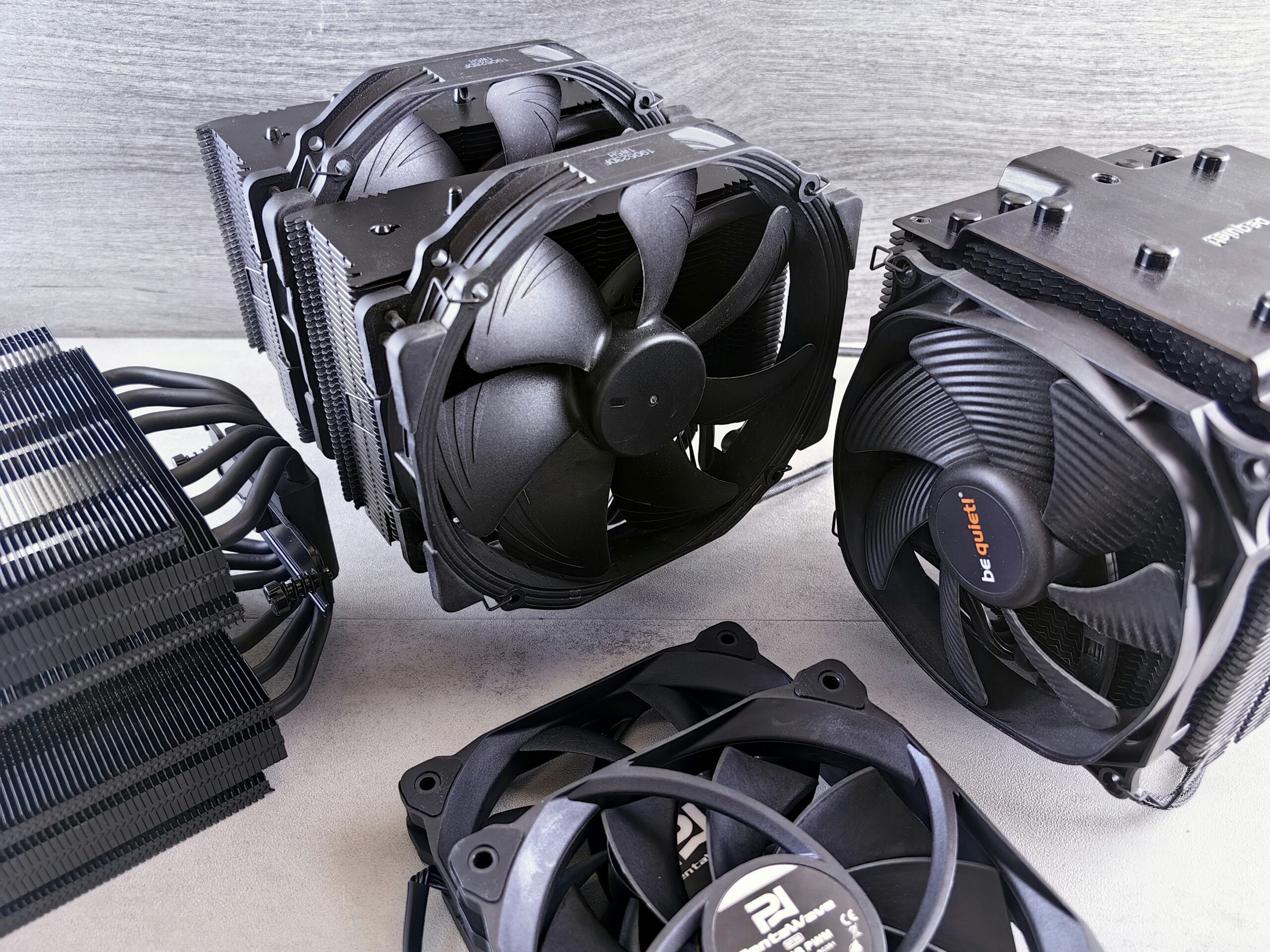

If your computer has been shutting down at random, running slower than usual, or sounds like a small jet engine, the Peoria summer heat is a real suspect. Arizona’s climate is uniquely hard on desktop and laptop computers — not just because of the outdoor temperature, but because of what that heat does inside a closed case that’s already fighting dust, pool season humidity swings, and rooms that get warmer than they should. Emerald Computers sees a sharp jump in overheating-related repairs every year between May and September, and most of it is preventable with the right maintenance.
Why Arizona Heat Is Uniquely Hard on Computers
Most desktop and laptop components are rated to operate safely up to somewhere around 158–185°F internally, and processors and graphics cards throttle themselves well before that to avoid damage. That sounds like plenty of headroom until you consider what a Peoria or Sun City home or garage actually experiences in July and August. Regularly hitting 110°F+ outside means attics, garages, and even living rooms with a struggling air conditioner can sit 10–20 degrees warmer than a computer was designed around. A PC that runs fine in a 72°F office in March can start throttling or shutting down in a 90°F back room in July — not because anything broke, but because the margin for error just disappeared.
Dust makes it worse. The Valley’s dry, dusty air gets pulled into every case fan, and that fine dust clings to heatsink fins and fan blades far more stubbornly than the humid-climate dust most cooling components are designed around. A heatsink caked in dust can lose most of its ability to shed heat, even if every fan is still spinning.
Signs Your Computer Is Overheating
- Random shutdowns or restarts — especially during demanding tasks like gaming, video calls, or rendering, when the CPU and GPU are working hardest.
- Thermal throttling — the computer noticeably slows down after running for a while, then feels normal again once it cools off.
- A case that’s hot to the touch, particularly around the rear exhaust vent or the bottom of a laptop.
- Loud, constant fan noise as the system tries to compensate for poor heat transfer.
- Blue screens (BSOD) or freezes that happen more often in the afternoon or evening than in the cooler morning hours.
What’s Actually Causing It
Overheating almost always comes down to one of four things, and in our experience it’s often more than one at once:
- Dust buildup on heatsinks, fans, and intake filters, blocking airflow and insulating the very surfaces that are supposed to release heat.
- Dried-out thermal paste between the CPU (or GPU) and its heatsink. Thermal paste is only rated to perform well for roughly 2–5 years before it dries, cracks, and stops transferring heat effectively — and Arizona’s heat accelerates that breakdown.
- Poor airflow or placement, such as a tower pushed against a wall, sitting inside an enclosed desk cabinet, or a laptop used on a bed or couch where the intake vents get blocked.
- Aging or failing fans that spin slower than they should, or have simply worn out after years of continuous use.
How Emerald Computers Fixes Overheating
Every overheating repair starts with a $35 diagnostic, which is waived if you move forward with the repair. In most cases that means a full interior cleaning to remove built-up dust from fans, heatsinks, and filters, followed by a fresh application of high-quality thermal paste on the CPU (and GPU, if needed). If a fan has failed or is underperforming, we’ll recommend a replacement, and if airflow is the core problem — not enough intake, not enough exhaust, or a case that simply wasn’t designed for it — we can advise on a better case or fan configuration. Most cleaning and thermal-paste services are handled at our standard $195/hour labor rate and are often finished same-day.
If your overheating problem is on a gaming PC specifically, cooling needs go a step further — higher-wattage CPUs and graphics cards generate a lot more heat, and case airflow design matters even more. See our gaming PC cooling guide for Arizona desert heat for that side of things.
Frequently Asked Questions
How often should I have my computer cleaned in Arizona?
We generally recommend an interior cleaning and dust removal every 12 months for a typical home or office computer in the Valley, and every 6–9 months for machines that run in a garage, a dusty office, or near a swamp cooler. Homes near construction or with pets tend to need it more often.
Can overheating permanently damage my computer?
Occasional thermal throttling by itself usually isn’t harmful — it’s the processor protecting itself. But repeated extreme heat over months or years can shorten the lifespan of the CPU, GPU, and motherboard, and it puts extra strain on the power supply. Catching it early with a cleaning and thermal paste service is far cheaper than replacing damaged hardware.
Is it my computer or just my room that’s too hot?
Both matter. Keeping a computer in a room that regularly exceeds 85–90°F makes it much harder for even a healthy cooling system to keep up. If moving the computer to a cooler, better-ventilated room doesn’t solve the problem, the cooling system itself likely needs service.
How much does an overheating repair cost?
Diagnosis is $35, waived if you proceed with the repair. A standard cleaning and thermal paste service is typically billed at our $195/hour labor rate and most jobs take well under an hour. If a fan needs replacing, parts are added on top of labor. We’ll always give you a clear estimate before starting any work.
Visit Emerald Computers
Peoria: 7642 W Vogel Ave, Building 3, Peoria, AZ 85345 — 623-240-2424
Sun City: 10001 W Bell Road, Suite 126, Sun City, AZ 85351 — 623-223-7397
Comments are closed