
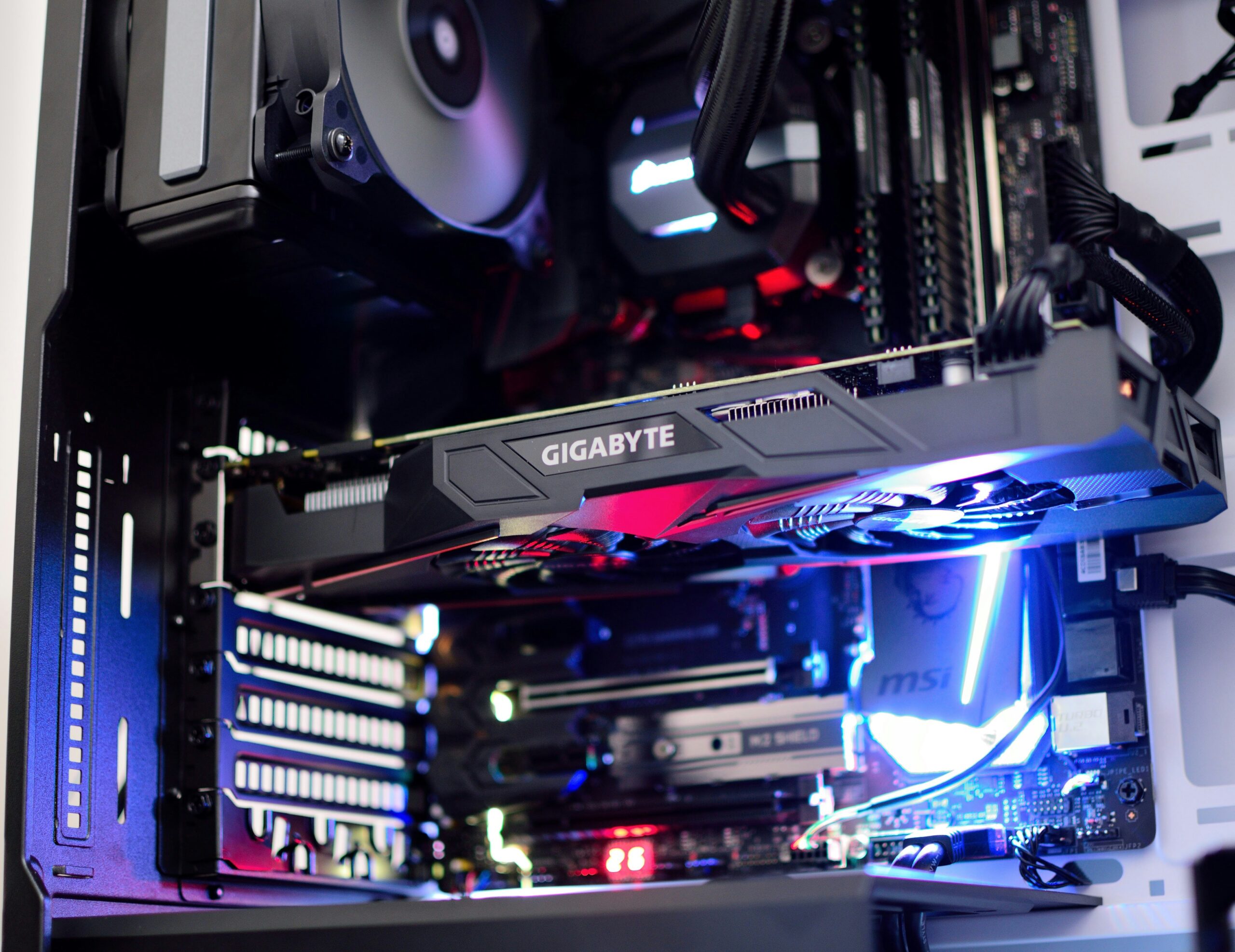
Random shutdowns, no power, or a burning smell? Learn the warning signs of a failing power supply and how Emerald Computers handles power supply replacement in Peoria, AZ.
Categories:
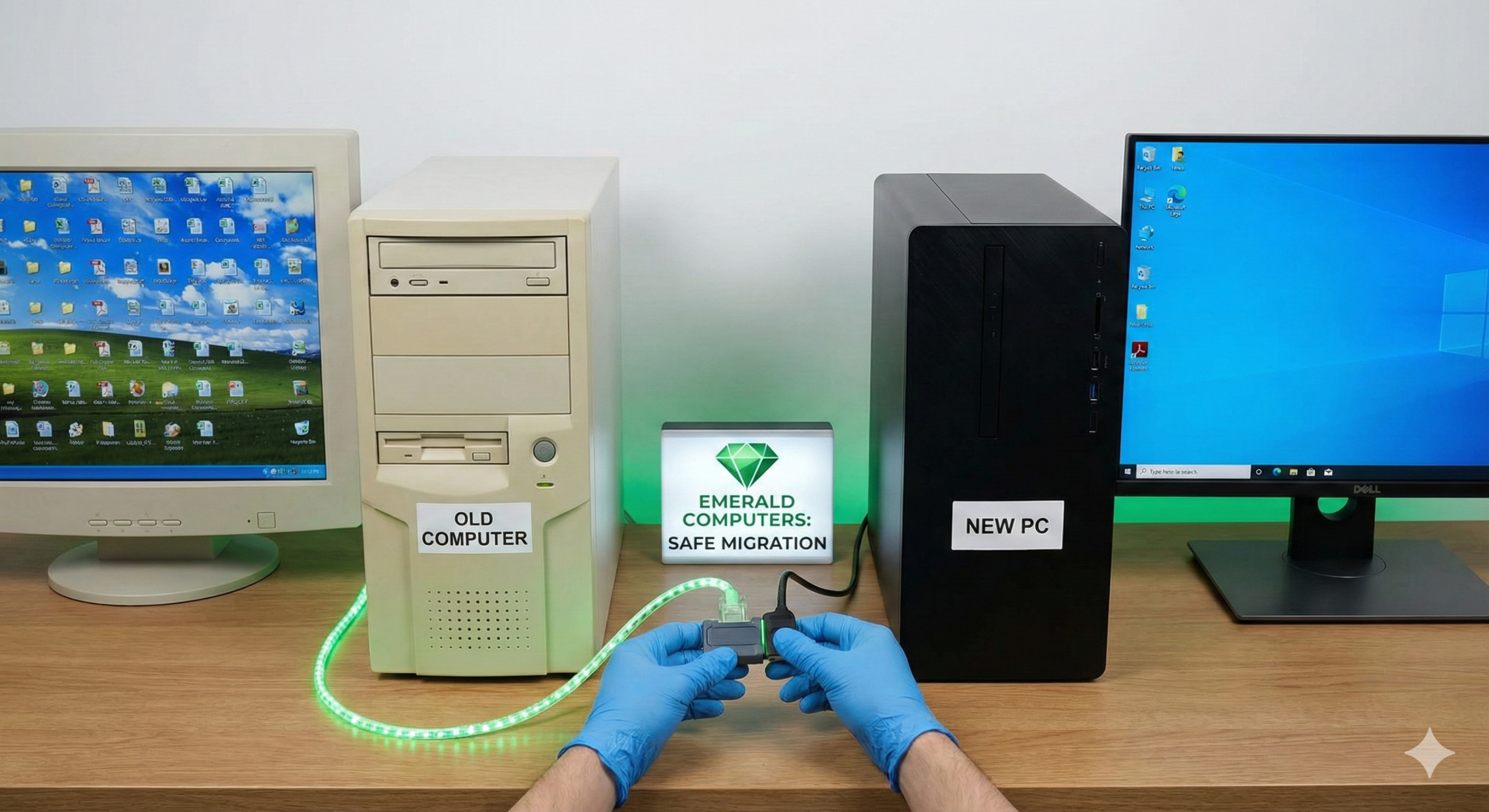
What actually transfers to a new computer, what doesn't, and common pitfalls like encrypted files and two-factor auth resets. Data transfer help in Peoria, AZ.
Categories:
Gaming PC crashing, overheating, or showing no display? Learn the most common gaming PC problems, how to diagnose them, and how Emerald Computers can help.

Categories:
Just installed a new graphics card or RAM and now your PC won’t power on? Here are the most common causes, a DIY checklist, and when to bring it in to Emerald Computers in Peoria, AZ.
ECC RAM, professional GPUs, and high core counts: what actually makes a computer a workstation, who needs one, and Emerald's custom workstation builds in Peoria AZ.

New computer setup covers more than unboxing it: bloatware removal, updates, accounts, security software and data transfer. See how Emerald Computers sets up new PCs in Peoria, AZ.
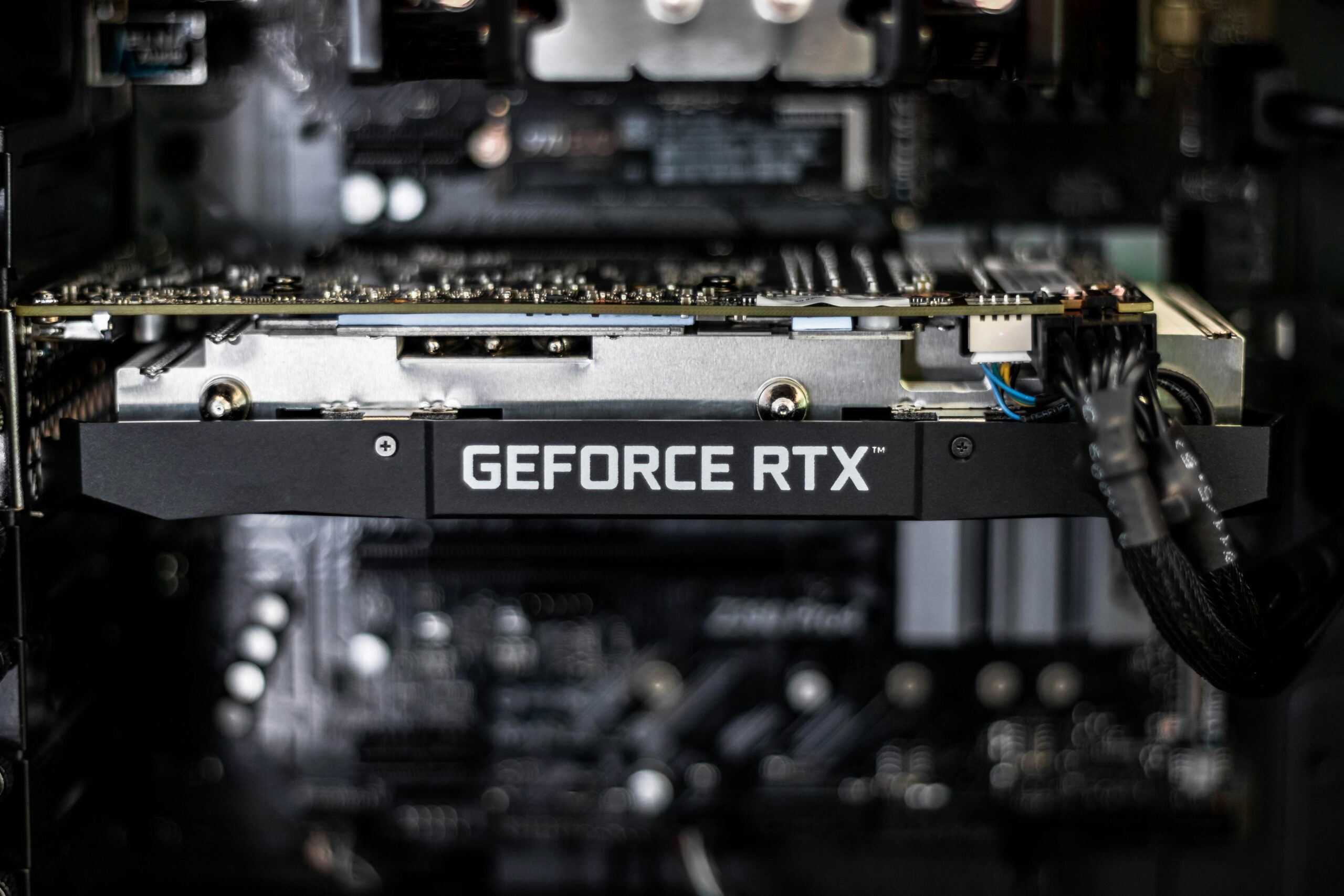
Thinking about a graphics card upgrade? Learn the signs your GPU is worth replacing, plus power supply, case, and CPU compatibility to check first.
Categories:
How much RAM do you actually need in 2026? See recommended memory by use case, DDR4 vs. DDR5 compatibility, and current RAM upgrade pricing at Emerald Computers in Peoria, AZ.
Categories:
Desktop, mini PC, or laptop? Here's how to match hardware to actual small business use cases in Peoria AZ, and when you need a workstation-class machine instead.

Categories:
Windows won't load past the logo screen? Learn the common causes of a boot failure, what not to do yourself, and how Emerald Computers diagnoses it in Peoria, AZ.