
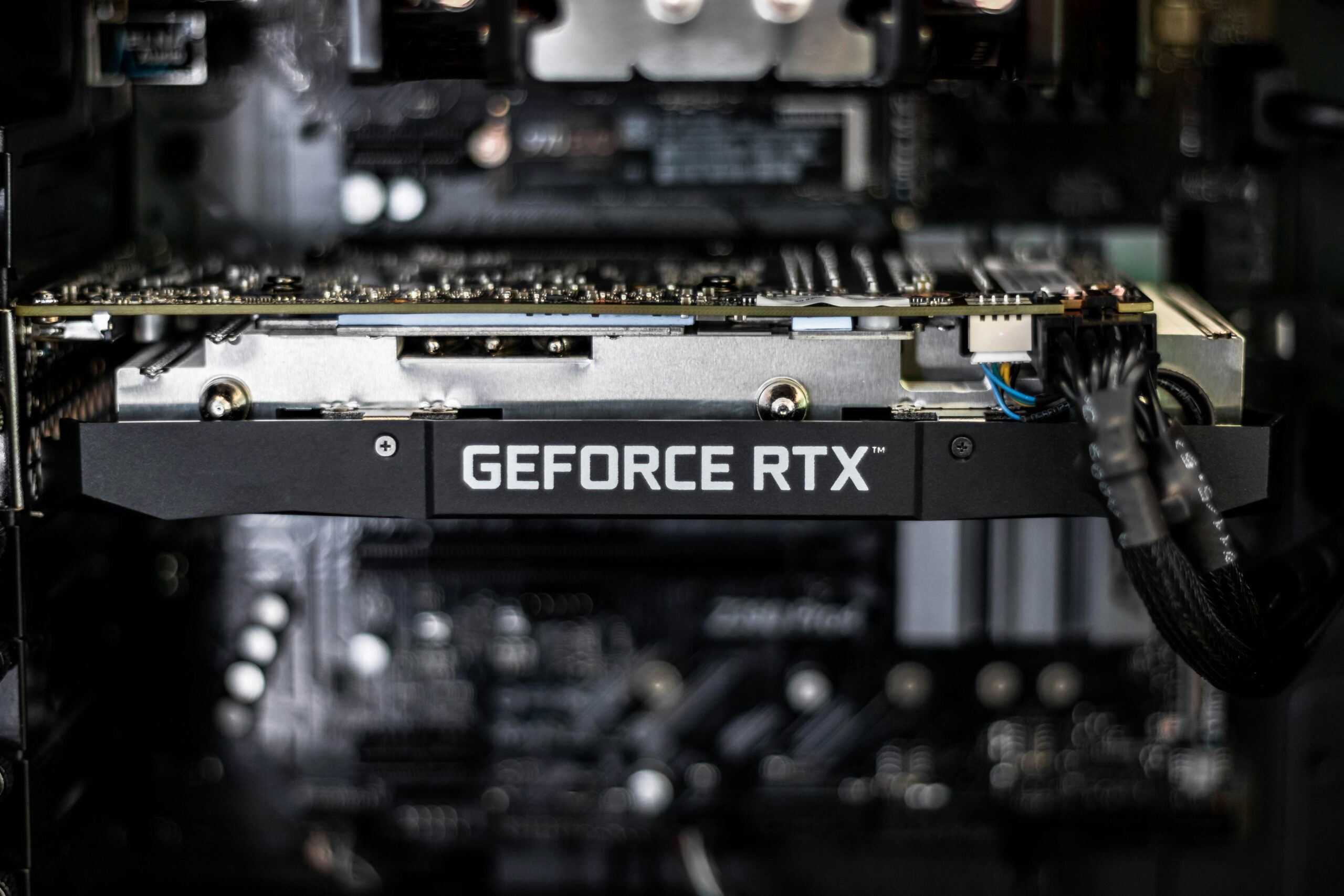

A new graphics card is one of the most tempting upgrades for any gamer, and often one of the most impactful — but it’s also one of the easiest upgrades to get wrong. Drop a powerful GPU into a system with a weak power supply, a bottlenecking CPU, or a case that doesn’t have room for it, and you won’t see the performance you paid for. Here’s how to tell whether your GPU is actually worth replacing, and what else needs to check out first.
Signs Your GPU Is Actually Worth Replacing
- Your GPU is bottlenecking a good CPU. If you have a strong, relatively recent processor but your frame rates are still low or unstable, especially at settings your CPU should easily support, the graphics card is likely the limiting factor.
- You can’t run current games at the settings or resolution you want. If newer titles force you down to low settings or a lower resolution just to maintain playable frame rates, and you’ve already ruled out CPU and RAM limitations, a GPU upgrade is the direct fix.
- Driver or output problems on an older card. Frequent driver crashes, artifacting (odd visual glitches, flickering textures), or a card that no longer receives current driver support are signs the hardware itself, not just settings, is the problem.
- You want to add features your current card lacks, such as ray tracing performance, DLSS/FSR frame generation, or support for a higher-refresh-rate or higher-resolution monitor.
What Else Matters Before You Buy a New GPU
A graphics card doesn’t operate in isolation. Before spending money on an upgrade, these three things determine whether you’ll actually get the performance you’re paying for:
- Power supply wattage and headroom. A higher-end GPU can draw significantly more power than your current card, and it needs enough headroom on top of the rest of your system’s draw — not just enough to barely cover the GPU’s rated wattage. An underpowered or aging PSU is one of the most common causes of a new GPU install going wrong: random shutdowns, instability under load, or a system that won’t even POST. We cover exactly how to evaluate this in our power supply replacement guide for Peoria, AZ.
- Physical case clearance. Modern high-end graphics cards are often longer and thicker than the cards they replace, sometimes taking up three slots instead of two. Measure your case’s available length and slot clearance before ordering — this is one of the most common reasons a new card doesn’t fit.
- CPU pairing. Installing a top-tier GPU behind an aging or entry-level CPU can bottleneck the new card, meaning you don’t see the performance gain you expected. If your CPU is more than a few generations old, it’s worth checking whether it can keep up with the graphics card you’re considering before you buy.
A Quick Word on RAM Compatibility
A GPU upgrade is also a natural time to check whether the rest of your platform is holding you back. If your motherboard and CPU are old enough to only support DDR4, or you’re deciding between a DDR4 or DDR5 platform for a broader upgrade, our DDR4 vs. DDR5 breakdown for 2026 can help you decide whether it makes sense to upgrade memory alongside the graphics card.
How Emerald Computers Handles GPU Upgrades
We start with a $35 diagnostic and compatibility check (waived if you move forward with the installation), where we confirm your power supply’s wattage and connectors, your case’s physical clearance, and whether your CPU is a reasonable match for the card you’re considering. From there, we handle the installation, driver setup, and stress-testing at our standard $195/hour labor rate, so the card is verified stable under load before you take it home. If your PC won’t turn on or boot after a self-installed upgrade, see our guide on what to check when a PC won’t turn on after an upgrade — it’s a more common problem than most people expect, and usually has a straightforward fix.
Frequently Asked Questions
Will a new graphics card fix my low frame rates?
It depends on what’s actually limiting performance. If your CPU and RAM are reasonably current and your GPU is the oldest or weakest component, a GPU upgrade usually delivers a big improvement. If your CPU is also several generations old, it may bottleneck the new card and you won’t see the full benefit.
Do I need a new power supply when I upgrade my GPU?
Not always, but it’s one of the first things we check. If your current power supply doesn’t have enough wattage headroom or the correct connectors for the new card, you’ll need to replace it at the same time to avoid instability or a system that won’t power on.
How do I know if a graphics card will physically fit my case?
Check the card’s listed length against your case’s maximum GPU clearance (usually listed in the case specs), and confirm it doesn’t need more expansion slots than your case and motherboard support. When in doubt, bring your PC in and we’ll confirm fit before you buy.
How much does a GPU installation cost at Emerald Computers?
Diagnosis and compatibility checking is $35, waived if you proceed with the installation. Installation, driver setup, and stress-testing are billed at our standard $195/hour labor rate, with most installs completed in under an hour.
Emerald Computers Locations
Peoria: 7642 W Vogel Ave, Building 3, Peoria, AZ 85345 — 623-240-2424
Sun City: 10001 W Bell Road, Suite 126, Sun City, AZ 85351 — 623-223-7397
Comments are closed