
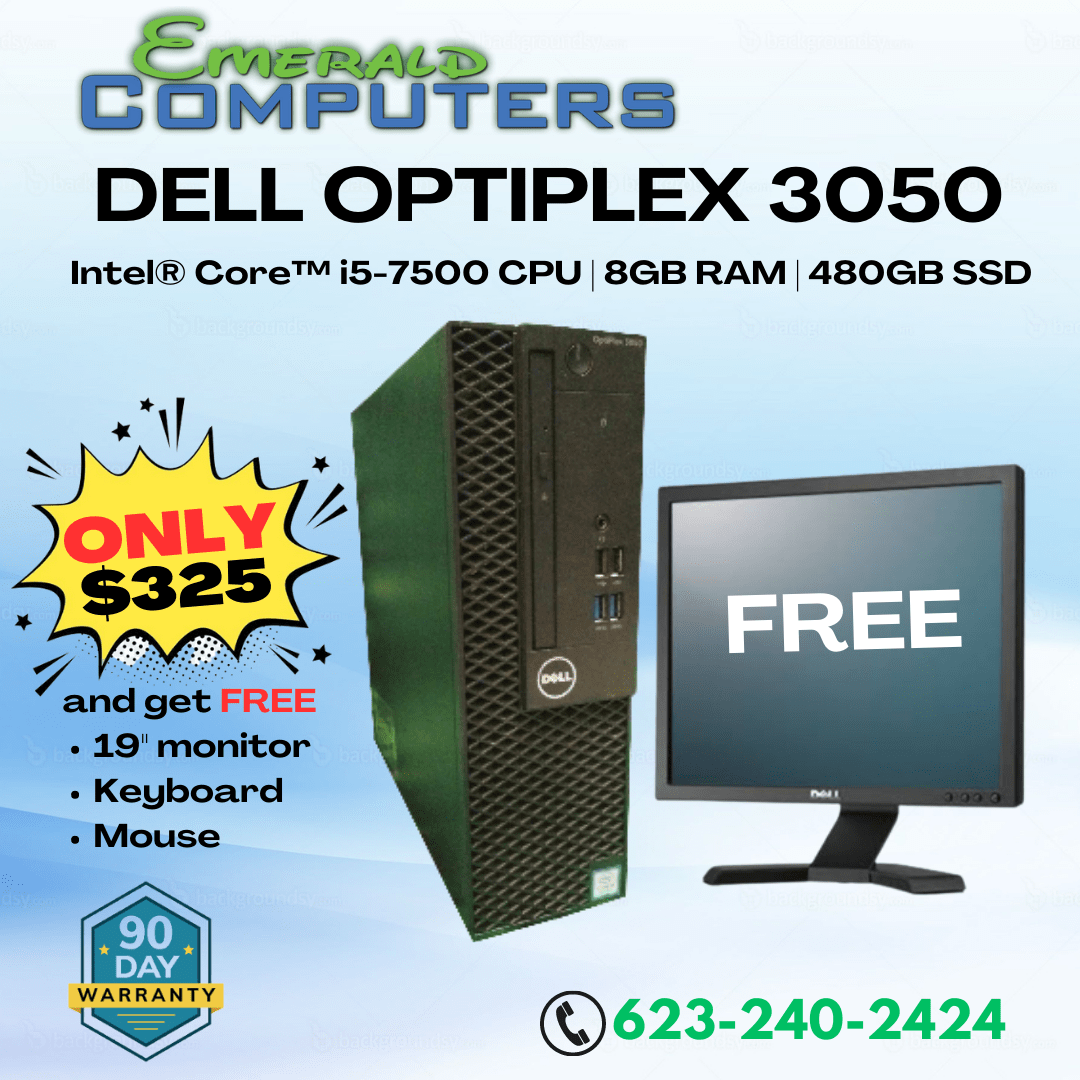
Small business owners in Peoria and Sun City ask us a version of the same question almost every week: “What computer should I buy for my office?” The honest answer is that it depends on what the machine will actually be doing all day, how many people will use it, and how long you need it to last before it becomes a bottleneck. In 2026, with component prices still elevated from the ongoing RAM shortage, that decision matters more than ever — buying the wrong category of machine means paying twice.
Desktop, Mini PC, or Laptop: The Real Trade-Offs
For most small businesses, the choice isn’t about which category is objectively “best” — it’s about which trade-offs fit your specific operation. Here’s how the three main categories actually compare for business use.
Traditional Desktop Towers
A desktop tower still offers the best value per dollar of performance, the easiest repairability, and the most room to upgrade later — add RAM, swap a drive, or move to a bigger power supply years down the line without buying a whole new machine. For office and admin work (accounting software, spreadsheets, email, point-of-sale terminals that stay in one spot), a desktop is usually the most cost-effective choice and the cheapest to service when something eventually fails.
Mini PCs
Mini PCs (small-form-factor machines that can mount behind a monitor) have gotten genuinely capable for office work in the last few years. They’re a strong fit when desk space is tight, when you want a clean point-of-sale setup with no tower taking up counter room, or when you’re outfitting several nearly identical workstations and want a compact, consistent build. The trade-off is less upgrade headroom — most mini PCs have limited internal expansion, so you’re buying closer to what you’ll be running for the life of the machine.
Laptops
For remote and hybrid staff, or anyone who needs to move between a desk, a job site, or a client meeting, a laptop is the only real option. The trade-off is cost (you generally pay more for the same performance compared to a desktop), and long-term durability under daily transport wear. If your team is fully in-office and stationary, buying laptops for everyone is usually spending more money for less performance and no real benefit.
Reliability and Total Cost of Ownership
The sticker price on a business computer is only part of the real cost. What actually determines total cost of ownership over a 3-5 year lifespan:
- Downtime cost — every hour an employee can’t work because a machine is broken costs you their wage plus whatever revenue or work isn’t getting done. Cheap, unreliable hardware is expensive in ways that don’t show up on the purchase receipt.
- Repairability — a business desktop with standard, replaceable parts can be fixed same-day in most cases. A laptop with a proprietary or glued-together design can mean a multi-day wait for a specialty part.
- Warranty and local support — a warranty that requires mailing a machine to a manufacturer and waiting two weeks is a very different cost than a local shop that can turn a repair around in a day or two.
- Software licensing and compatibility — underpowered machines that choke on modern software force staff to work around slowness, which is a hidden productivity cost that adds up over a year.
Buying new, business-grade hardware from a shop that also sells quality refurbished and used machines (see our desktop computers for sale in Peoria) gives small businesses flexibility to match spend to actual need rather than overpaying across the board.
When a Regular Business PC Isn’t Enough
Most office tasks — email, browsers, spreadsheets, video calls, standard business software — run comfortably on a mid-range business desktop or mini PC. But some roles genuinely need more: CAD design, video editing, 3D rendering, large-dataset analysis, or running local AI/ML tools all demand more sustained CPU and GPU power than a standard office machine is built to deliver reliably for hours at a time. Buying a workstation-class machine for someone who only needs it for email is wasted spend; buying a standard office PC for someone doing daily video rendering means constant slowdowns and frustration. We cover exactly where that line is in our guide to workstation computers in Peoria, AZ.
Our Recommendation by Use Case
- Front desk / reception / point-of-sale: Mini PC or compact desktop — low footprint, reliable, easy to standardize across multiple stations.
- Back-office admin, bookkeeping, general staff: Standard business desktop — best value, easiest to repair and upgrade.
- Remote or hybrid employees, field staff: Business-class laptop — portability is the deciding factor, budget accordingly for durability.
- Design, video, engineering, data-heavy roles: Workstation-class desktop — the only category built for sustained heavy workloads without bottlenecking your team.
If you’re outfitting more than a couple of machines, bring us your list of roles and workloads and we’ll help you match hardware to each one rather than buying one-size-fits-all and overpaying on some desks while underpowering others.
Frequently Asked Questions
Is a mini PC powerful enough for a small business?
Yes, for most office and point-of-sale tasks. Modern mini PCs handle browsers, office software, and point-of-sale systems well. They fall short for CAD, video editing, or other sustained heavy workloads, where a full desktop or workstation is a better fit.
Should I buy new or refurbished computers for my business?
It depends on the role and budget. Refurbished business desktops can offer excellent value for standard office tasks. For mission-critical machines or specialized workloads, new hardware with full warranty coverage is often worth the premium. We can help you decide machine-by-machine.
How many years should a business computer last?
A well-specified business desktop typically has a useful life of 4-6 years before it becomes a bottleneck for modern software. Buying slightly ahead of your current needs, especially on RAM, extends that lifespan and reduces total cost of ownership.
Can Emerald Computers set up multiple machines for my office at once?
Yes. We work with small businesses in Peoria and Sun City to spec, build, and set up multiple machines matched to different roles, and we offer ongoing business IT support after installation. Call to discuss your office’s needs.
Visit Emerald Computers
Peoria: 7642 W Vogel Ave, Building 3, Peoria, AZ 85345 — 623-240-2424
Sun City: 10001 W Bell Road, Suite 126, Sun City, AZ 85351 — 623-223-7397
Comments are closed