
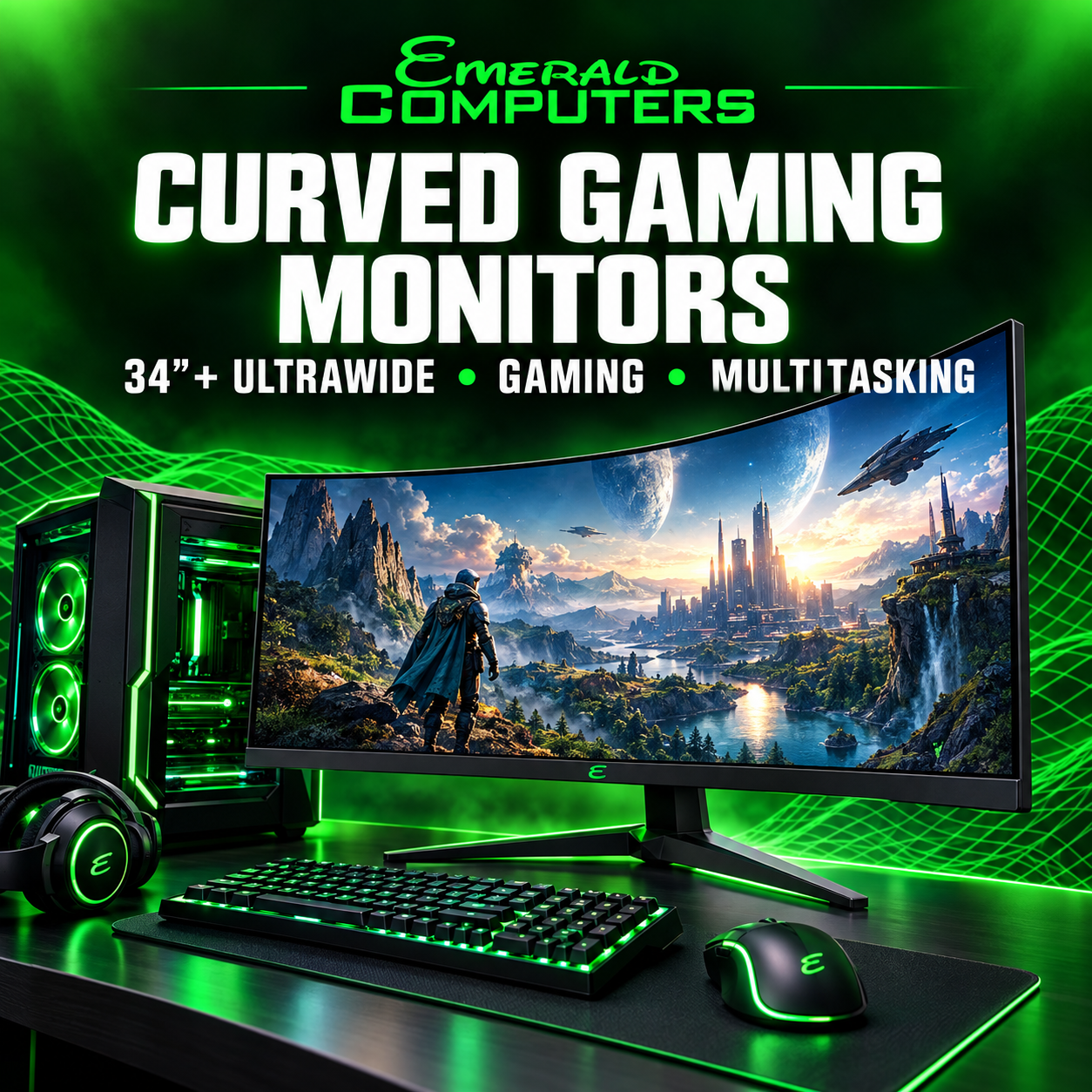
Is a Curved Monitor Worth It? 34-Inch+ Ultrawide Gaming Guide
If you’re shopping for a large ultrawide monitor—especially 34 inches or larger—you may be wondering whether a curved screen is actually worth buying.
For a large ultrawide display, a curved screen can be a very good choice. The combination of extra width and screen curvature can make gaming more immersive while also giving you a comfortable workspace for side-by-side multitasking.
But curved isn’t automatically better for everyone. Your viewing distance, desk space, games, work habits, graphics card, and personal preference all matter.
Why Are Large Ultrawide Monitors Often Curved?
A large ultrawide monitor stretches much farther to the left and right than a traditional display.
Many 34-inch ultrawide monitors use a 21:9 aspect ratio, giving you substantially more horizontal workspace than a conventional 16:9 monitor. That wider format is one reason ultrawide displays are popular for gaming, productivity, and multitasking.
On a large flat display, the edges of the screen are physically farther away from the center of your viewing position.
A curved panel brings the edges slightly closer to your natural field of view. The result can feel more immersive and can make a very wide monitor feel easier to take in from one seating position.
Is a Curved Monitor Better for Gaming?
For immersive gaming, a curved ultrawide monitor can be an excellent choice.
The ultrawide format can give compatible games a wider field of view, while the curve can make the display feel more surrounding than a flat screen. This can be especially appealing for racing games, flight simulators, first-person games, open-world games, and other titles where a wider field of view adds to the experience.
Instead of looking at a wide rectangular picture sitting flat in front of you, the display can feel more like it wraps around your viewing area.
That is where a curved 34-inch or larger ultrawide starts to make a lot of sense for gaming.
What About Side-by-Side Multitasking?
Gaming isn’t the only reason to consider a curved ultrawide.
A large ultrawide gives you enough horizontal space to keep multiple windows visible at the same time. That can reduce the need to constantly switch between applications.
A 34-inch curved monitor can work particularly well for:
- Web browsing and research
- Writing and editing
- Email and messaging
- Spreadsheets
- Coding
- Video editing
- Streaming and content creation
- Gaming while keeping other applications nearby
The extra width is useful by itself. The curve can make the far-left and far-right areas of a very wide display feel more natural to view from directly in front of the monitor.
Why 34 Inches Is Such a Popular Ultrawide Size
A 34-inch ultrawide is large enough to provide a significant increase in screen space without reaching the enormous footprint of some super-ultrawide displays.
For many users, it is a practical middle ground:
- 27-inch monitor: A familiar size for a traditional single-monitor setup.
- 32-inch monitor: More screen area while retaining the common 16:9 format.
- 34-inch ultrawide: A wide workspace that can work well for both gaming and productivity.
- 49-inch super-ultrawide: A much larger panoramic workspace that can approximate the width of two monitors.
For someone who wants one monitor that can handle both gaming and work, a 34-inch ultrawide can be an especially attractive option.
Does the Curvature Matter?
Yes, but the amount of curvature matters too.
Curved monitors commonly use specifications such as 1800R, 1500R, or 1000R. The number refers approximately to the radius of the curve in millimeters. A smaller number indicates a tighter curve.
A tighter curve creates a stronger wraparound effect, but that does not automatically make it better.
The right curvature depends on the size of the screen, how far you sit from it, the shape of your desk, and what feels comfortable to you.
When Is a Curved Monitor Worth the Extra Money?
A curved monitor is most compelling when you’re buying a large ultrawide display and actually plan to use the extra screen width.
I would strongly consider a curved monitor when:
- You’re buying a 34-inch or larger ultrawide.
- Gaming immersion is important to you.
- You regularly use multiple windows side by side.
- You sit directly in front of the display.
- You want one large screen instead of multiple monitors.
For this type of setup, the curve is more than a cosmetic feature. It complements the physical width of the display and can make a very large screen feel more natural to use.
When Should You Stick With a Flat Monitor?
There are still plenty of situations where a flat monitor may be the better choice.
- You’re buying a smaller monitor.
- You prefer a traditional flat-screen design.
- Multiple people frequently need to view the screen.
- You want a simpler wall-mounting setup.
- You do not want the additional depth of a curved monitor.
- Your work is better suited to a conventional 16:9 display.
Curved displays are primarily designed around the person sitting directly in front of them. That makes them less ideal when a single screen needs to be viewed frequently from several different positions.
What About Gaming Compatibility?
Before buying an ultrawide gaming monitor, make sure the games you actually play support its aspect ratio.
Many PC games support ultrawide resolutions, but some older or less-compatible games may use black bars, stretch the image, or fail to provide the wider field of view you expected.
This is especially important if you have a large collection of older PC games.
A beautiful 34-inch ultrawide is great when the game supports it. It is less impressive when the software does not.
Don’t Buy a Monitor Based on Curve Alone
The curve is only one part of a gaming monitor purchase.
Resolution
A larger monitor benefits from an appropriate resolution so text, images, and games remain detailed while giving you plenty of workspace.
Refresh Rate
If gaming is a priority, pay attention to refresh rate. A higher refresh rate can provide smoother motion when your gaming PC can produce enough frames to take advantage of it.
Response Time
Response-time performance is another consideration, especially for competitive or fast-moving games.
Adaptive Sync
Look for adaptive-sync support that works well with the graphics hardware in your gaming PC.
Panel Technology
IPS, VA, OLED, and other panel technologies have different strengths involving contrast, color, viewing angles, motion, and price.
Your Graphics Card
A large ultrawide monitor can require substantially more graphics performance than a standard 1080p monitor.
Before upgrading your monitor, make sure your gaming PC has the graphics performance needed for the resolution and refresh rate you want.
Curved 34-Inch Gaming Monitor vs. Two Monitors
This is one of the biggest decisions when creating a gaming and productivity setup.
A 34-inch ultrawide can give you a wide workspace without the physical bezel that separates two individual monitors.
That can make a single large display especially attractive for gaming.
Two monitors still have important advantages. You can angle them independently, dedicate one display to a particular task, use different orientations, and replace one without replacing the other.
For a clean gaming-and-work setup, however, a single curved ultrawide can be an excellent alternative.
Is a Curved Monitor Good for Work Too?
Absolutely.
The same horizontal space that benefits gaming can also benefit productivity.
A large curved monitor can make it easier to keep a document, browser window, communication application, spreadsheet, and other software visible at the same time.
This makes large ultrawide displays particularly appealing for people who want a single monitor to handle both work and entertainment.
The important thing is choosing a display that fits your actual workflow rather than buying a gaming monitor simply because it looks impressive.
So, Is a Curved Monitor Worth Buying?
For a 34-inch or larger ultrawide, I think a curved monitor is often worth considering.
The combination makes sense because the monitor is already wide enough for the curvature to have a noticeable effect on how the screen feels from your normal seating position.
For immersive gaming, the curved screen can make the display feel more enveloping. For multitasking, the ultrawide format provides room for several applications at once.
But don’t pay extra for a curve simply because it sounds like a premium feature.
If you’re buying a 24- or 27-inch monitor for basic office work, a flat display may be perfectly reasonable.
Once you move into 34-inch, 38-inch, 40-inch, or larger ultrawide territory, the case for a curved display becomes much more compelling.
Looking for a Curved Gaming Monitor in Peoria, AZ?
Emerald Computers stocks computer monitors and gaming hardware at our Peoria flagship store.
We’re located at:
Emerald Computers
7642 W Vogel Ave, Building 3
Peoria, AZ 85345
623-240-2424
Our Peoria store is our flagship location and stocks monitors, gaming computers, graphics cards, SSDs, RAM, power supplies, and other computer hardware.
You can also explore our computer products and services or contact the Peoria store before coming in to ask about current monitor availability.
Frequently Asked Questions
Is a curved monitor better than a flat monitor?
Not always. Curved monitors are particularly compelling for large ultrawide displays, while flat monitors can be simpler and more practical for smaller screens or shared viewing.
Is a 34-inch curved monitor good for gaming?
Yes. A 34-inch ultrawide can provide a wide, immersive gaming experience, especially in games that support its aspect ratio.
Is a curved monitor good for multitasking?
Yes. A large ultrawide provides enough horizontal space for multiple windows, while the curve can make the wider display feel more natural to view from directly in front of it.
What size monitor should I get for an ultrawide setup?
A 34-inch ultrawide is a practical starting point for people who want a combination of gaming immersion and multitasking space. Larger displays can provide even more workspace, but they also require more desk space and may require more graphics performance.
Does a curved monitor use more desk space?
Often, yes. Large curved ultrawide monitors can be deeper and physically larger than comparable flat monitors, so check your desk dimensions before purchasing.
Do curved monitors work with gaming PCs?
Yes. Curved monitors work with gaming PCs just like flat monitors. The important considerations are the monitor’s resolution, refresh rate, connectivity, adaptive-sync support, and whether your graphics card can deliver the performance you want.
Final Verdict
If you’re buying a large ultrawide monitor—especially 34 inches or larger—for immersive gaming or side-by-side multitasking, a curved display is worth serious consideration.
For smaller screens, curvature is more of a personal preference.
For a large ultrawide, the combination of screen width, curvature, gaming immersion, and multitasking space can create a much more engaging setup.
If you’re shopping locally in Peoria, AZ, Emerald Computers has monitors and gaming hardware at our Vogel Avenue store.
Call Emerald Computers at 623-240-2424 or visit us at 7642 W Vogel Ave, Building 3, Peoria, AZ 85345.
Questions about your computer? Our Peoria and Sun City stores can help.
Contact Emerald Computers
Comments are closed